How she started
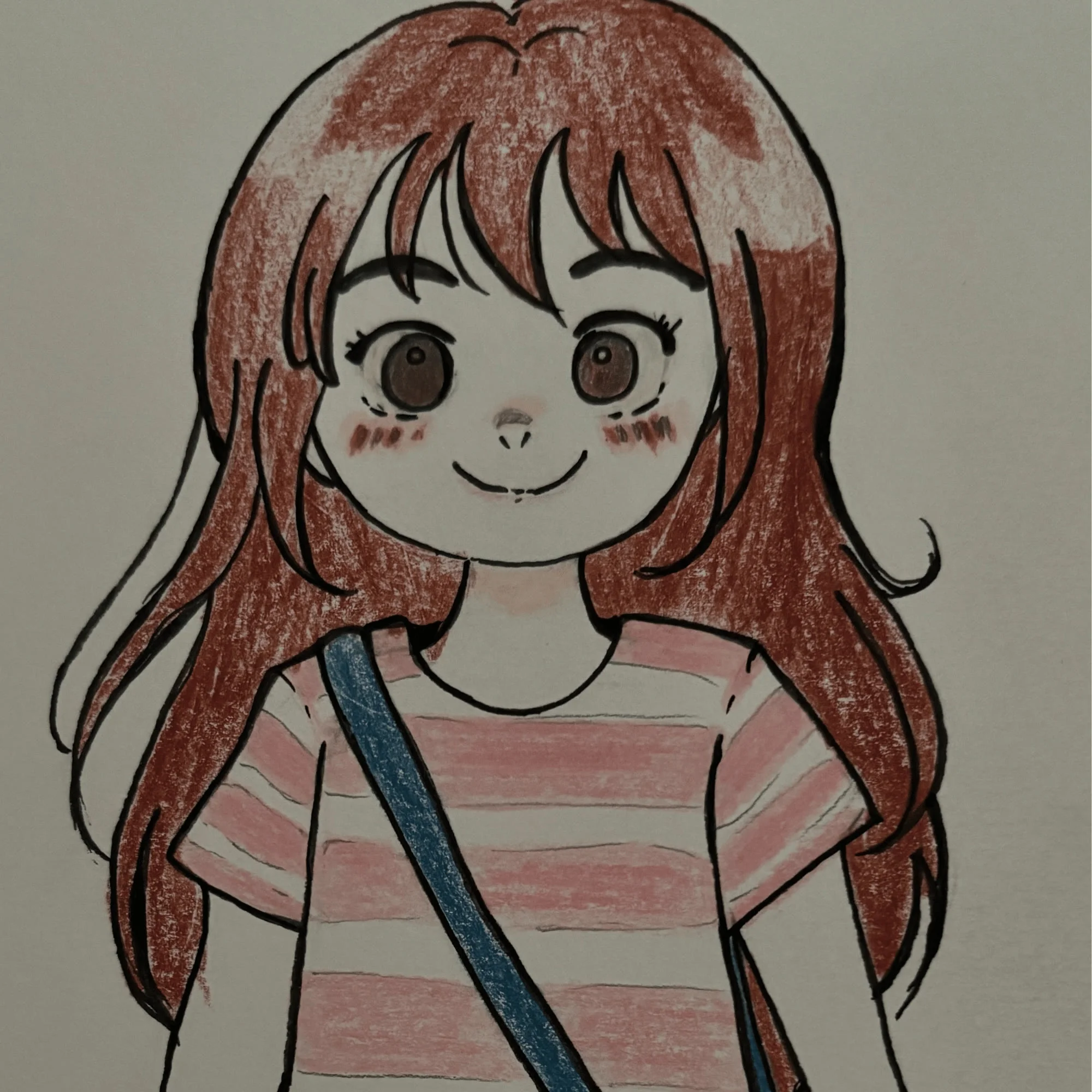
Lately I have been falling in love with vibe coding. It started with this website, which I built by describing what I wanted and iterating with AI until it finally matched the picture in my head. Once it was done, I found myself wanting a bigger challenge than a website, so I decided to make a character with a little life of her own.
I sketched Charlie by hand, colored her, and gave her a name. Then I brought my drawing to Nano Banana and generated all the poses and angles she would need to move around, like walking, waving, thinking, and sleeping. Watching my own drawing turn into a sprite sheet was honestly the moment I got hooked.
What Charlie can do
Charlie lives on my desktop, on my Linux setup, built in Python with Claude Code. She is small, but she works hard.
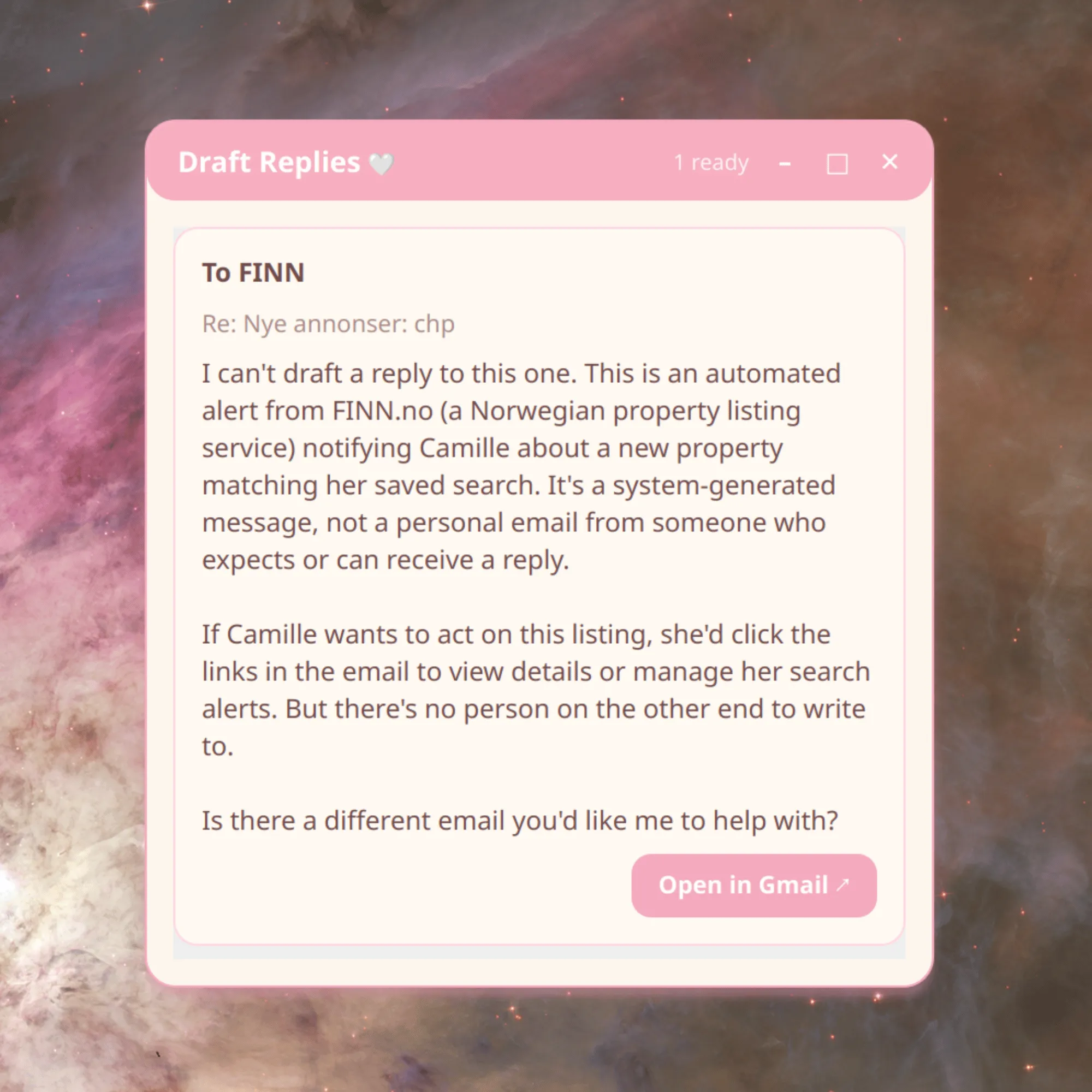
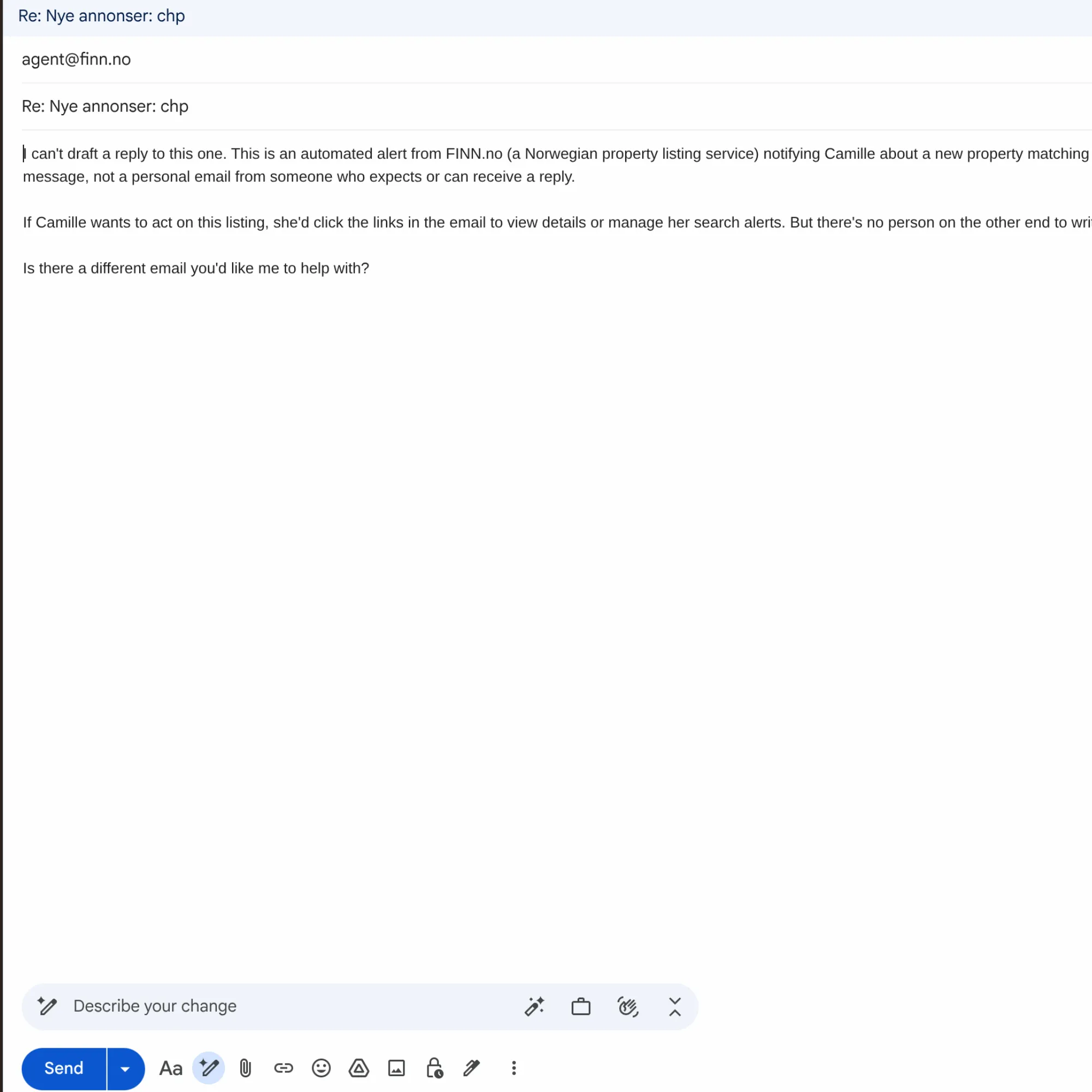
She drafts my emails. Charlie prepares email drafts for me right in Gmail, which means replying starts with editing instead of staring at a blank page.
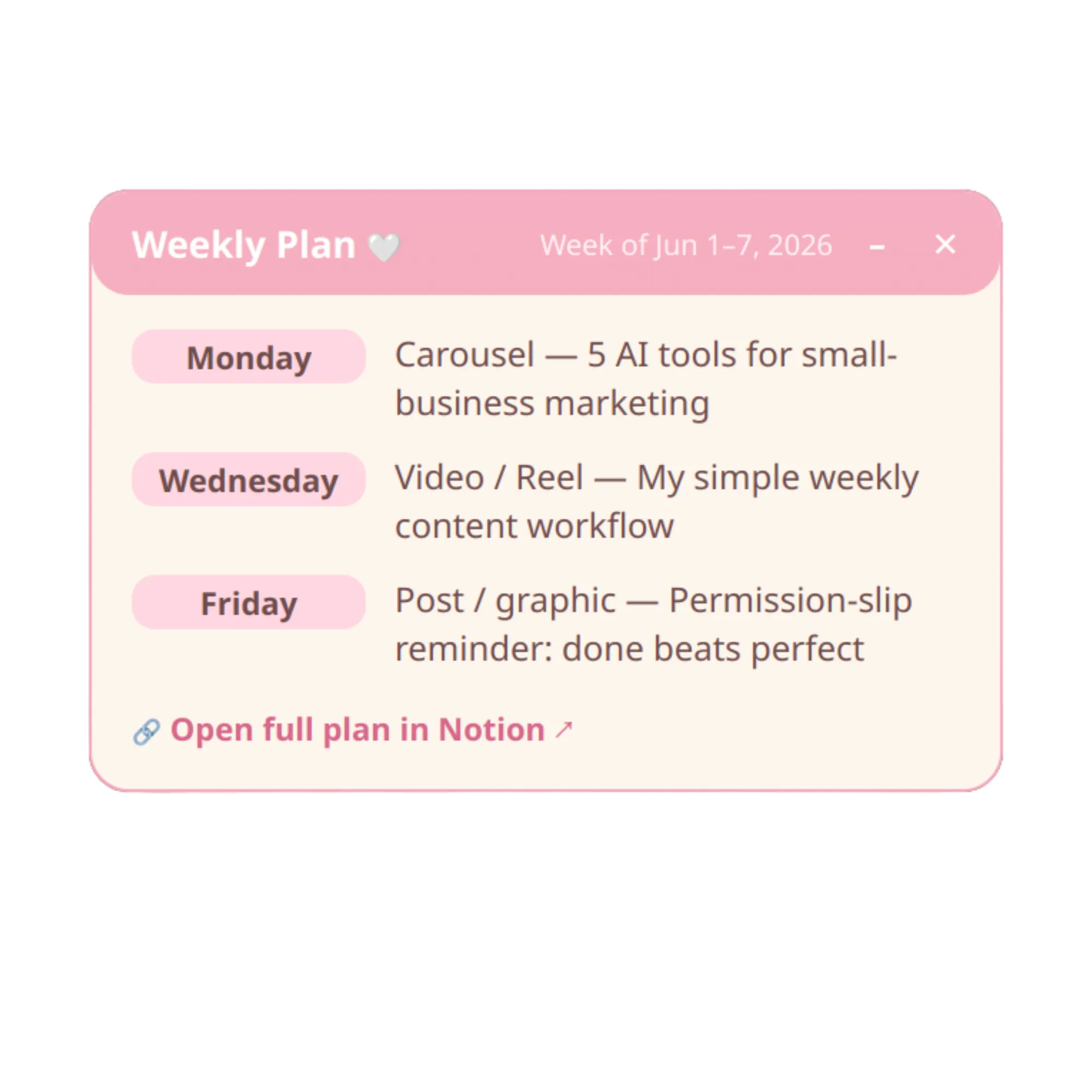
She prepares my social media posts. She drafts post ideas and captions straight into my Notion, ready for me to shape and schedule.
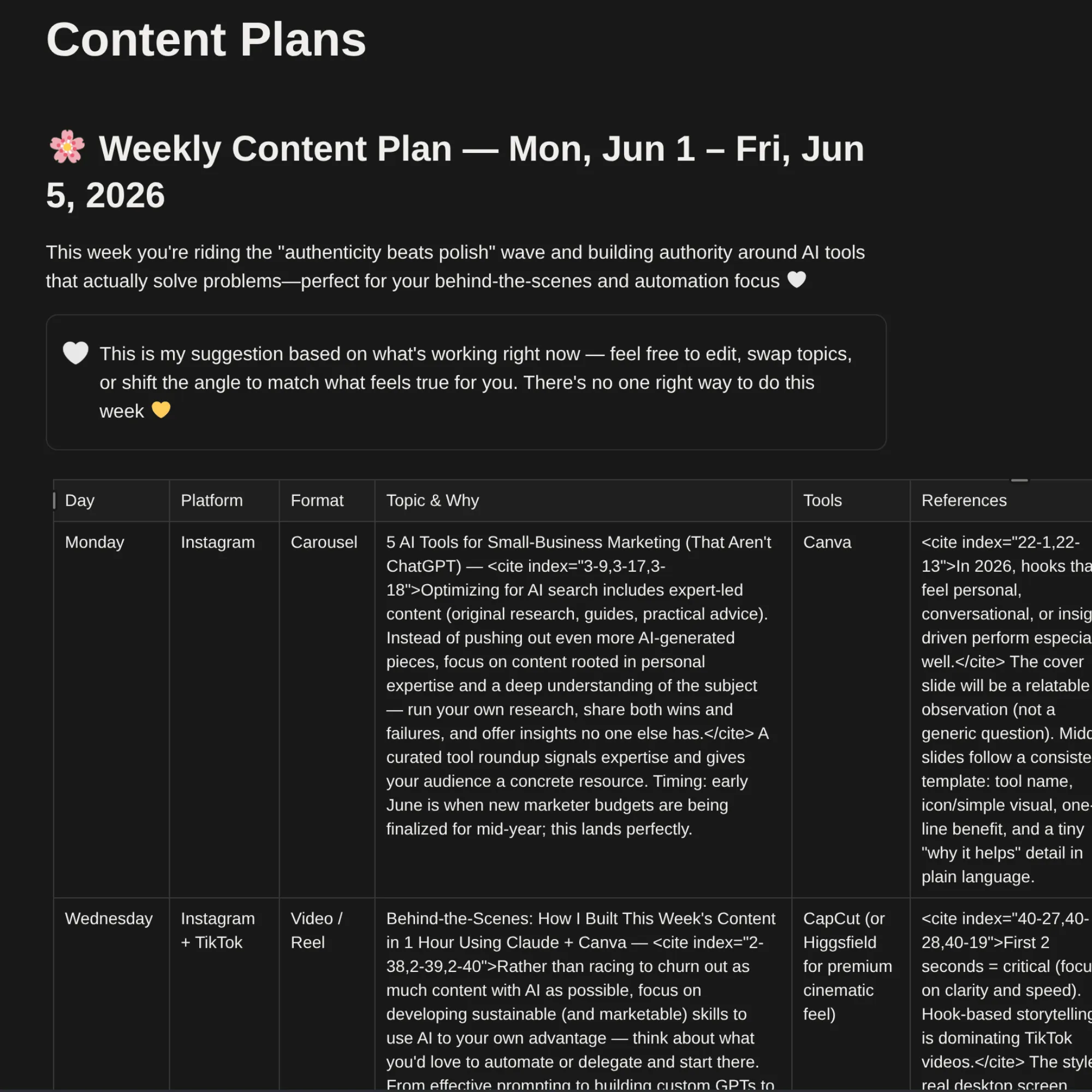
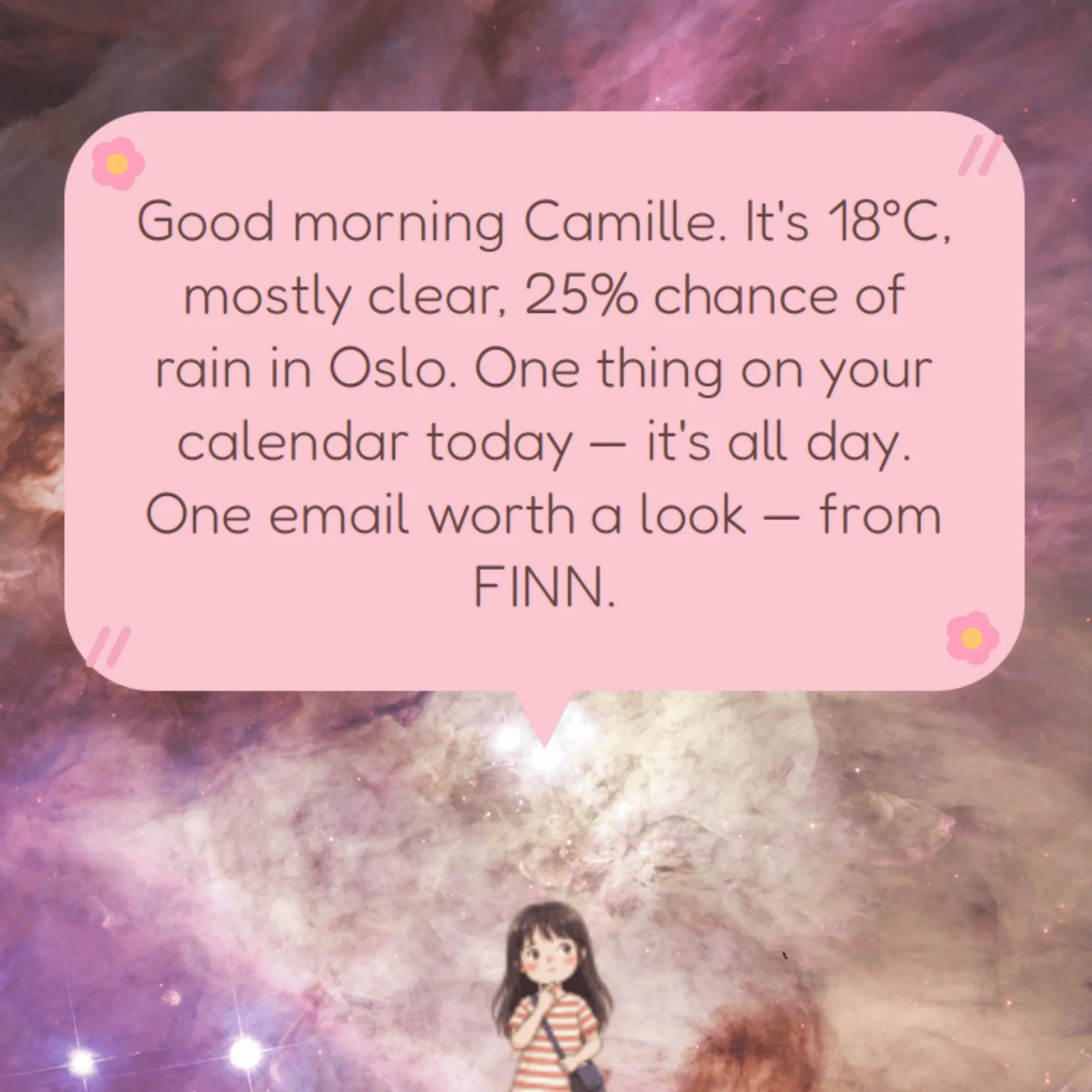
She gives me a morning brief. Every morning she greets me with my calendar for the day and the weather outside, which in Norway is information you really want before getting dressed.
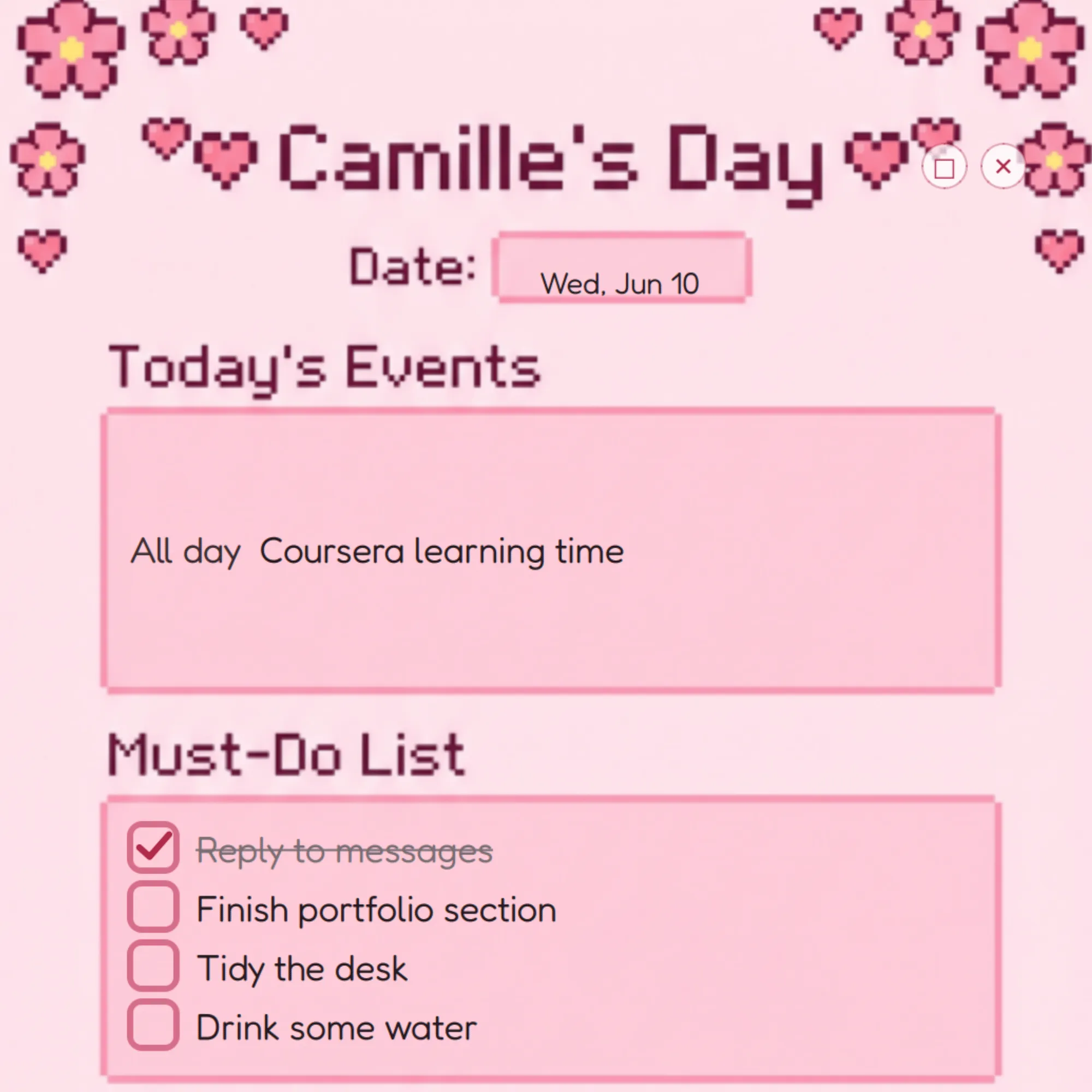
She keeps my notes. My reminders and ideas live on her pixel-art post-it board.
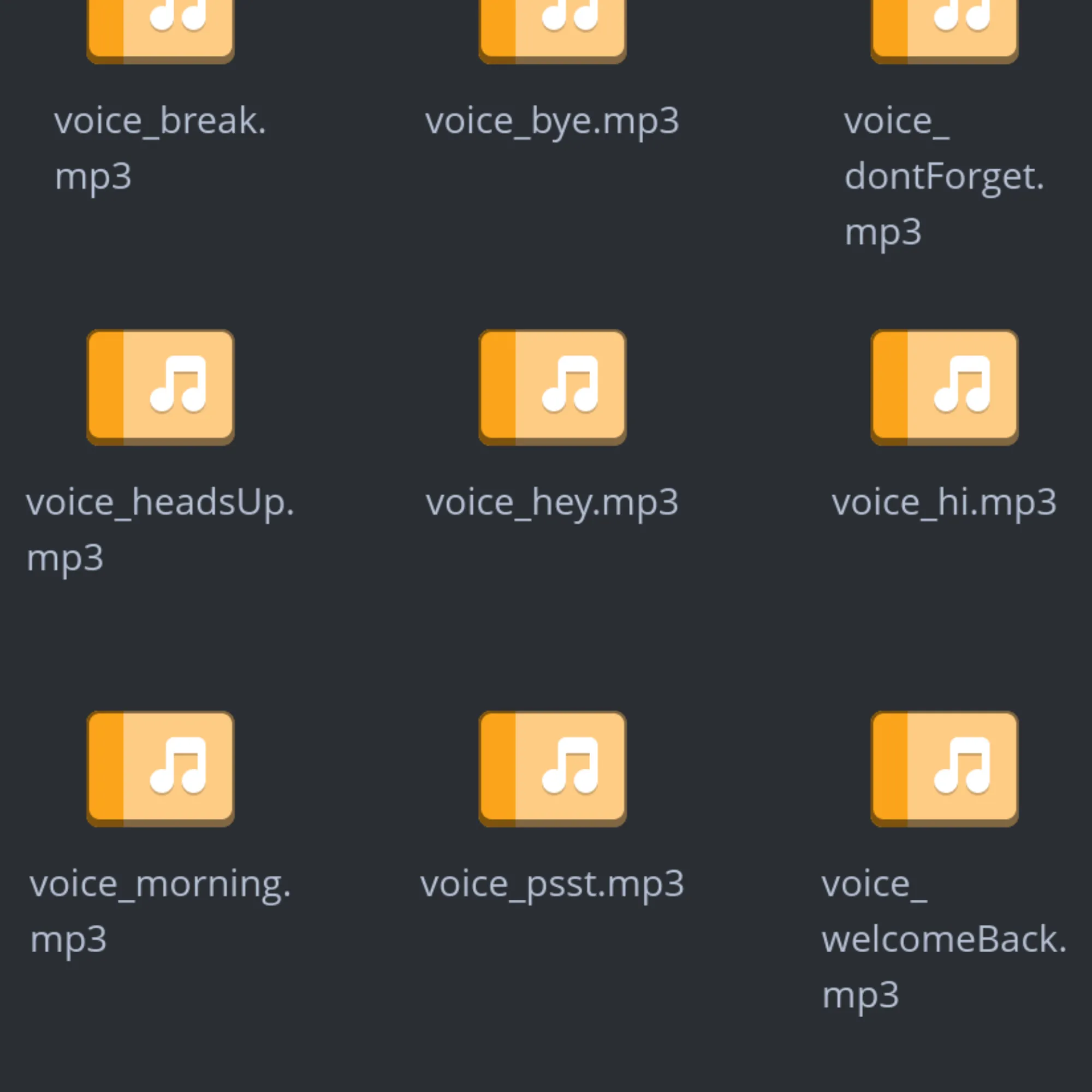
She speaks in my voice. She reminds me to drink water and take a walk, using reminders I recorded myself, so technically I am the one nagging me.
Note: the screenshots show sample content only. The emails, calendar events, and to-do items are demo examples set up for these previews, not my real inbox or plans.
Everything she drafts, I review before it goes anywhere. That is how I like working with AI: she handles the busywork and I make the calls.
How I built her
I am not a developer, and that is kind of the point of this story. I built Charlie feature by feature by describing what I wanted, testing whatever came back, and slowly learning to read what was actually happening under the hood. Some features worked on the first try, while others, like the post-it board, took several rounds of back and forth before they felt right.
Along the way I figured out that vibe coding is less about the vibes and more about the habits. Writing clear and specific prompts, planning each feature before asking for it, and working in small steps instead of giant leaps kept the code clean and my token budget healthy. I also learned to take care of the things that are easy to forget when AI makes building feel effortless, like keeping API keys out of the public code, tidying up duplicated logic, and asking the AI to explain anything I did not understand before moving on.
People once worried that the sewing machine would replace tailors, but instead it changed what tailors could make, and the craft grew. I think about that a lot when I work with AI, because the tools are new but the choice is old: you can watch from the sidelines, or you can learn the machine and make something with it. I chose to make Charlie.
Source code
Charlie is an ongoing personal project, and I shared a short video of her in action on LinkedIn. You can explore how she works on her GitHub repository.